

Privacy Policy
Last updated: October 6, 2026
This policy covers the app Wall Connect Manager for Tesla from version 2.0 and this website.
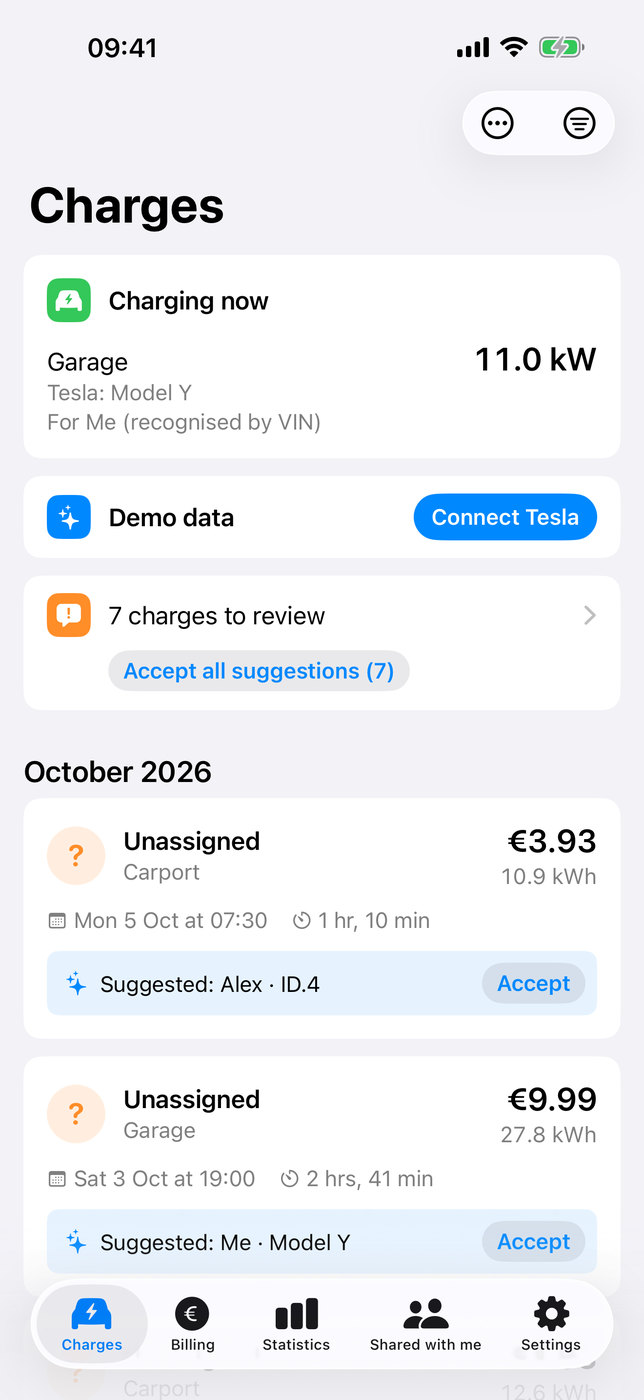
1. Controller
Marc Idelberger, Idelberger Consulting, Streckenpfad 75, 56170 Bendorf, Germany
Email: m.idelberger@idelberger-consulting.de
2. In short
- You need no account with us. We show no ads and use no tracking, no analytics and no third-party SDKs.
- Your data is stored on your devices and, if you use iCloud, in your own iCloud account. We cannot read it.
- The app loads your charging data directly from Tesla.
- Our sign-in service only exchanges a one-time sign-in code and stores nothing.
3. Data in the app
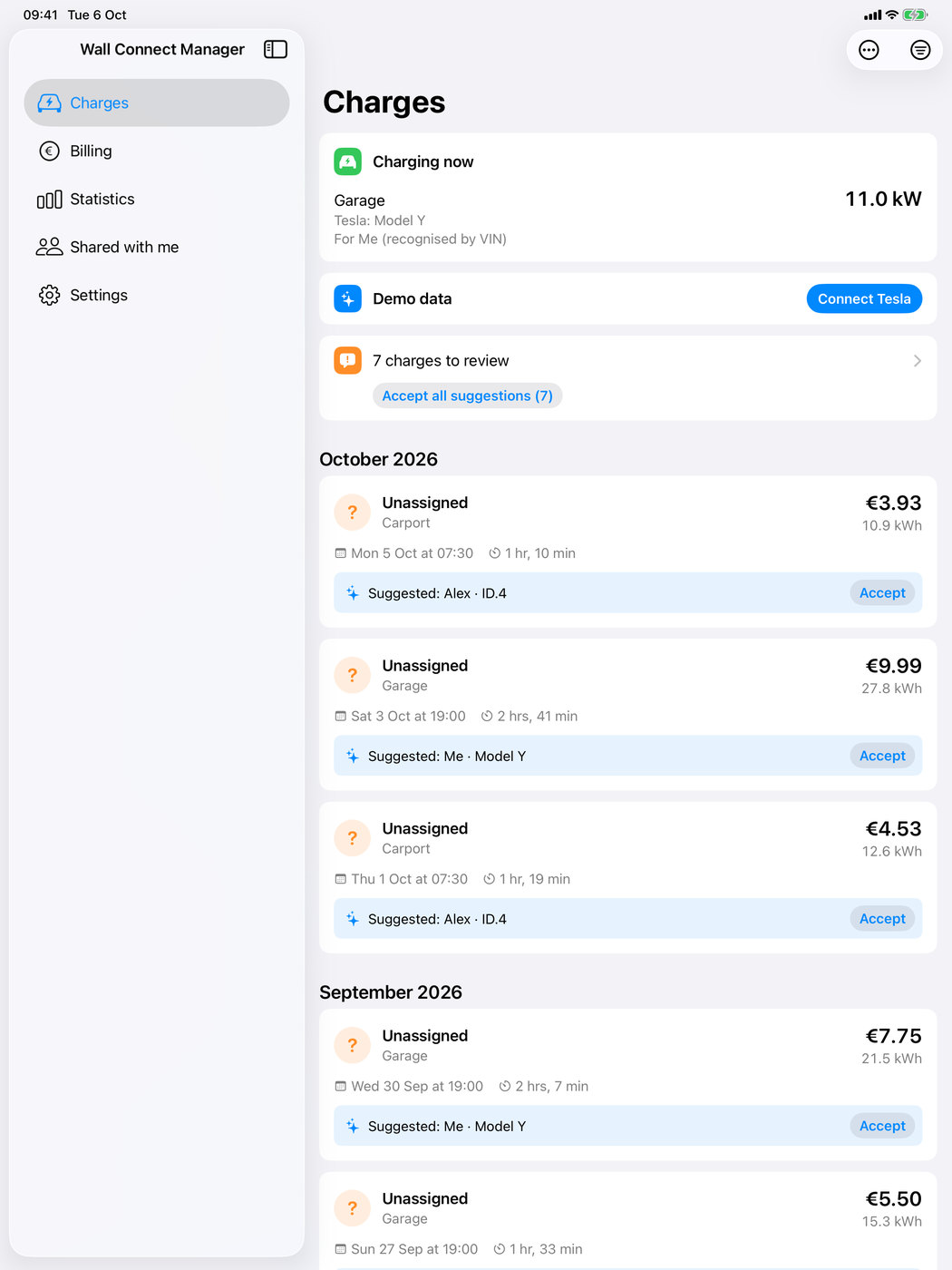
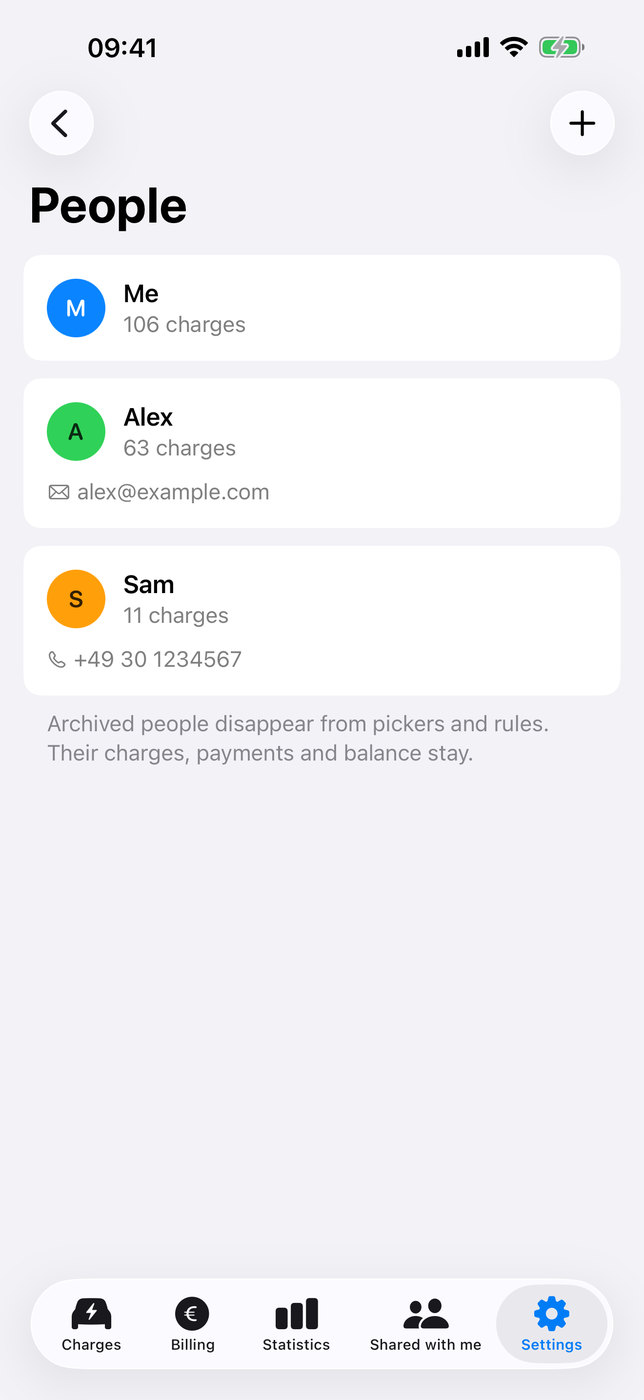
The app stores on your device: the charges loaded from Tesla (start, duration, energy, Wall Connector), your energy sites and Wall Connectors, readings of the Wall Connector’s live status (status, power and the VIN of a plugged-in Tesla), the people and vehicles you enter (name, colour, optional email address or phone number, licence plate, and for Tesla vehicles the vehicle identification number (VIN)), prices, payments, the payment details for statements (account holder, IBAN, BIC, PayPal.me name), your settings and a redacted diagnostic log. iOS data protection keeps this data unreadable until the device has been unlocked once after a restart.
4. Charging data from your account
You sign in on Tesla’s own web page; we never see your Tesla password. The app then reads your energy sites and Wall Connectors, the charge history, the live status and vehicle identifiers (VIN and name) directly from the Tesla Fleet API onto your device. The access tokens are stored only in the keychain of that device. In the app under Settings › Tesla account you see the granted access and can use “Disconnect Tesla” to delete the sign-in of this device. “Delete all Tesla data” (Settings › Delete or reset data) also deletes all charges, sites, Wall Connectors, VINs, live observations and Tesla-related log entries on all your devices, in your iCloud and in the shared data of your members. The legal basis is the use of the app you requested (Art. 6(1)(b) GDPR).
Tesla may use information you submit to Tesla in accordance with the Tesla Privacy Notice: https://www.tesla.com/legal/privacy
5. Sign-in service api.wallconnectmanager.app
To complete the sign-in, the app sends the one-time authorization code from Tesla and a random installation ID of the app to our sign-in service api.wallconnectmanager.app. The service exchanges the code with Tesla for the access tokens and passes them back to the app. It stores neither the code nor the tokens nor the installation ID; it uses the installation ID only to limit sign-in attempts per minute. Its log contains only the route, status codes and duration, no codes, IDs or IP addresses. The service runs on Cloudflare (Cloudflare, Inc., 101 Townsend St., San Francisco, CA 94107, USA; certified under the EU-U.S. Data Privacy Framework; https://www.cloudflare.com/privacypolicy/). Cloudflare processes your IP address to deliver and protect the service and to limit sign-in attempts per IP address. The legal basis is Art. 6(1)(b) GDPR (the sign-in you requested) and Art. 6(1)(f) GDPR (protecting the service against abuse).
6. iCloud sync
If you are signed in to iCloud, the app syncs your data between your own devices through your private iCloud database (Apple CloudKit). Apple stores this data in your iCloud account (https://www.apple.com/legal/privacy/). Contact details, licence plates, VINs and payment details are additionally encrypted on your device before they are uploaded, so that only your devices can read them. We have no access to your iCloud data. Without iCloud the data stays on the device. You can delete the iCloud data in the app with “Delete all my data everywhere” or in the iOS Settings app under your name › iCloud.
7. Household sharing
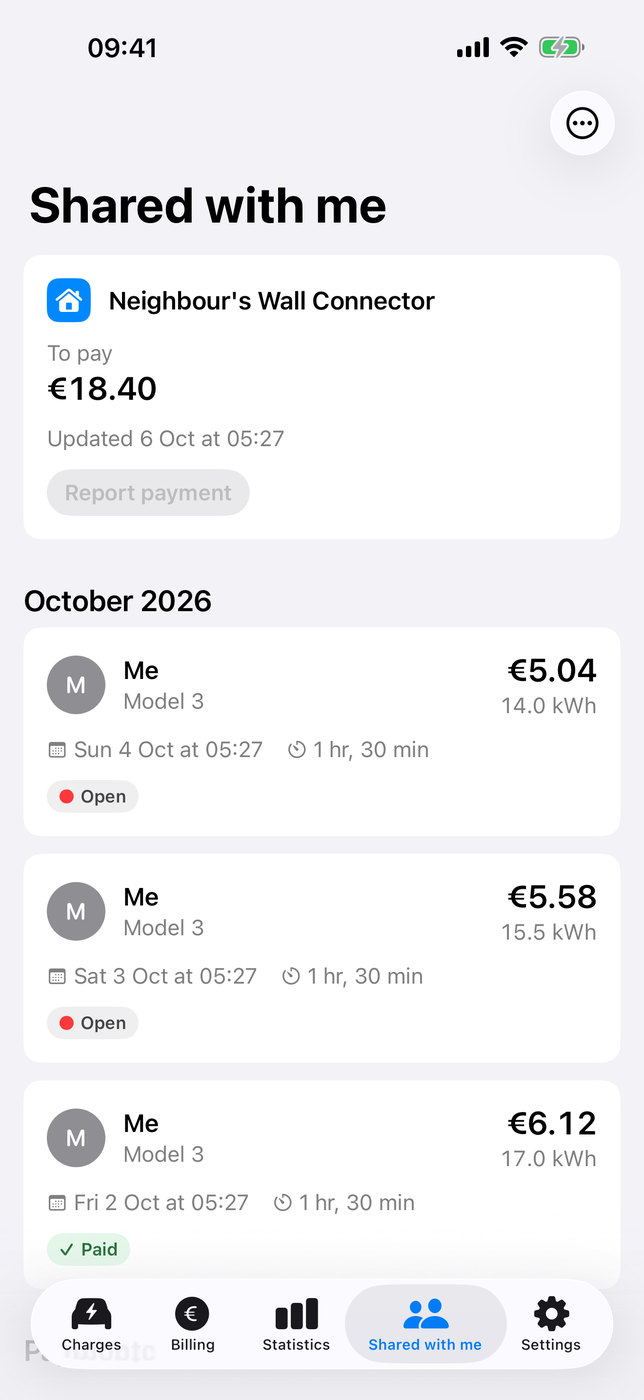
If you invite a member, for example a neighbour who charges at your Wall Connector, the app creates a separate shared area in your iCloud for this one person and copies an excerpt into it. Depending on your choice it contains either only this person’s charges (date, duration, energy, cost, vehicle name, paid status), payments and balance, or those of the whole household with names. Charges that are not assigned to anyone appear without names and costs. The member opens your invitation with their own Apple Account; Apple processes the invitation and shows you the member’s name. The member can report payments and claim charges; these entries are stored in the same shared area and processed by your app. When you remove a member or the member leaves, the shared area and the copies on the member’s devices are deleted.
8. Purchases
Purchases are handled by Apple. The app checks on your device whether you bought Pro or the paid version 1; we receive no personal data from this.
9. Notifications
Notifications about new charges and payment reminders are created on your device. Apple’s push service only tells the app that iCloud data has changed.
10. Emails to support
If you write to us, we use your email address, your message and any attached log only to answer your request and to find and fix errors in the app. The legal basis is Art. 6(1)(b) GDPR where your request concerns the use of the app, and otherwise Art. 6(1)(f) GDPR (our legitimate interest in answering requests and fixing errors). If you write from the app, the email contains your app and iOS versions.
You can attach the app’s diagnostic log. It is redacted on your device: no sign-in data, no names, amounts or bank details, vehicle and device identifiers only as codes; it keeps at most the last 2,000 entries. The app never sends it by itself.
Our email runs on Microsoft 365 (Microsoft Ireland Operations Limited, Dublin, Ireland); our account is set up in the EU. Where Microsoft transfers data to the USA, this is based on the European Commission’s adequacy decision on the EU-U.S. Data Privacy Framework (Art. 45 GDPR), under which Microsoft is certified. We delete your emails and attached logs once your request is resolved, at the latest 12 months after your last message, unless statutory retention obligations require otherwise.
11. This website
We have not turned on any logging and do not analyze visits. This website sets no cookies, uses no JavaScript and no analytics or tracking services, and loads nothing from third-party servers.
The website is hosted by Cloudflare (Cloudflare, Inc., 101 Townsend St., San Francisco, CA 94107, USA), which delivers it on our behalf. To deliver the page to you, Cloudflare has to process your IP address technically; Cloudflare also uses it to protect the website against attacks. In doing so, Cloudflare keeps records of individual requests, with IP address, requested page and browser identifier, in our Cloudflare account for up to 31 days. We do not analyze these records. The legal basis is our legitimate interest in delivering the website securely (Art. 6(1)(f) GDPR). Data may be transferred to the USA in the process. This is based on the European Commission’s adequacy decision on the EU-U.S. Data Privacy Framework (Art. 45 GDPR), under which Cloudflare is certified. More information: https://www.cloudflare.com/privacypolicy/
12. How long data is kept
- On your devices: until you delete it in the app (“Reset this device”, “Delete all my data everywhere”, “Delete all Tesla data”) or delete the app. Live observations of the Wall Connector are deleted after 14 days; the files of version 1 are deleted 90 days after their import.
- Tesla access tokens: until you disconnect Tesla, reset the device or revoke the access at Tesla.
- In your iCloud: until you delete the data in the app or in the iOS Settings app; excerpts for members until you remove the member or the member leaves.
- Sign-in service: code, tokens and installation ID are not stored. Its log without personal data is kept by Cloudflare for 3 days.
- Cloudflare keeps request and security statistics of the sign-in service, which can contain IP addresses, for about 31 days.
- Website: Cloudflare keeps records of individual requests for up to 31 days (section 11).
- Support emails and attached logs: deleted once your request is resolved, at the latest 12 months after your last message.
13. Your rights
You have the right of access, rectification, erasure, restriction of processing and data portability (Art. 15 to 20 GDPR). Most of your data is under your own control in the app and in your iCloud. For everything else, write to m.idelberger@idelberger-consulting.de. You can also lodge a complaint with a data protection supervisory authority, for example the State Commissioner for Data Protection and Freedom of Information of Rhineland-Palatinate.
Right to object: Where we process data on the basis of our legitimate interest (Art. 6(1)(f) GDPR, see sections 5, 10 and 11), you can object to this at any time on grounds relating to your particular situation (Art. 21 GDPR). An email to m.idelberger@idelberger-consulting.de is enough.
14. Changes
We update this policy when the app or our services change. The date at the top shows the last change.